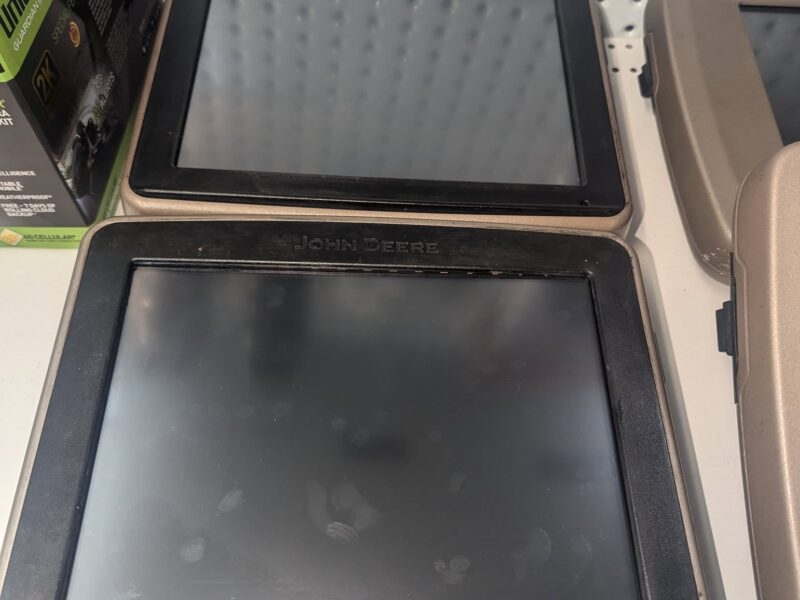
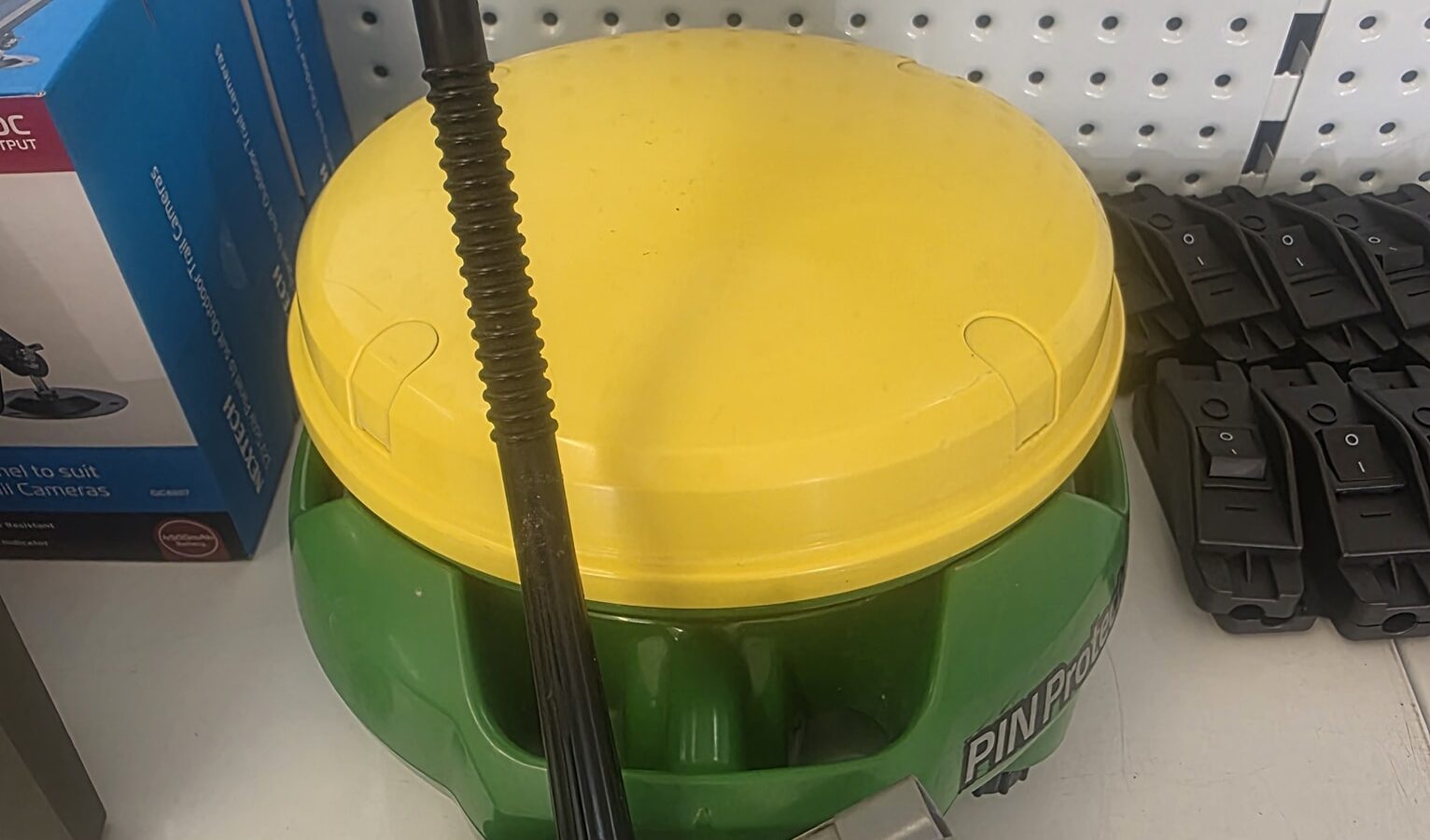
It came to our attention with the changeover to 2026 that some GS2 2600 displays aren’t working properly. Apparently John Deere is working on a fix — in the meantime, there’s a workaround that gets you back in the paddock.
The temporary fix
In your GS2 display, navigate to:
- Main Menu
- Display
- Date/Time Tab
Once you’re there, untick the GPS Time Sync. This lets you manually change the date. Set the year to 2025.
Important: leave the GPS Time Sync unticked. Then restart the screen.
It should work a treat. As soon as we hear about a longer-term fix from John Deere we’ll let everyone know.
Please share this
From what people have told us, the dealers haven’t figured out this workaround yet, and we don’t want growers conned into buying a $20k screen if they don’t need to. Share this with anyone you know running GS2 displays.
If your GS2 has other issues unrelated to the date bug, get in touch — we repair the full GS2 / GS3 / Gen 4 range from the workshop in Northam, with a 12-month repair warranty. See screen repair pricing here.
— Steven